+965 51122049




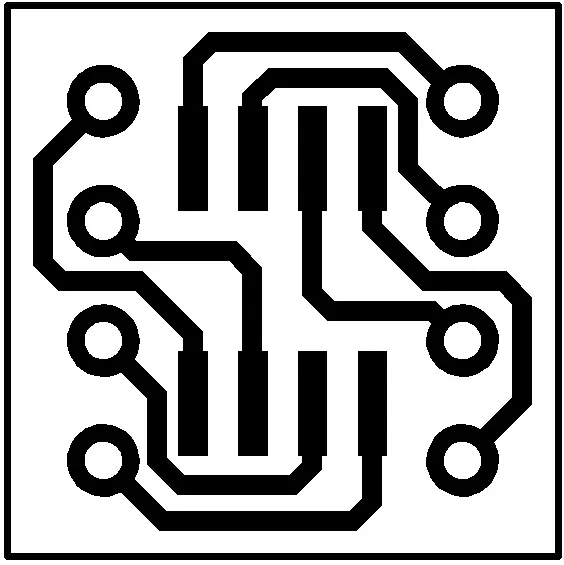








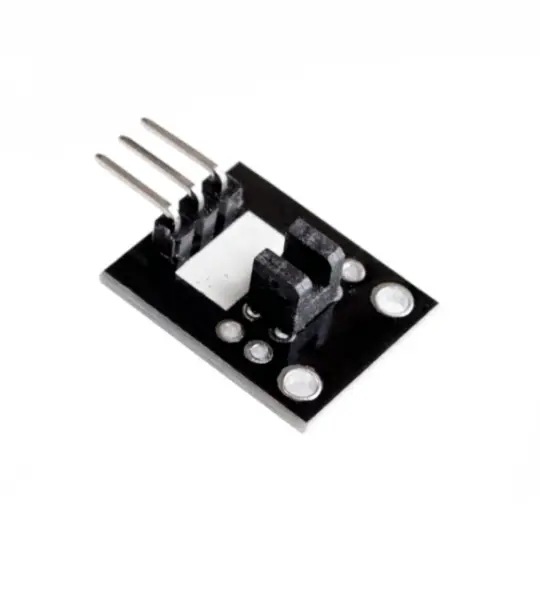
Optical broken module ( ARDUINO photo interrupter module )
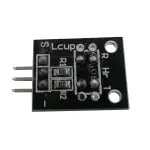
If you view from the top like on the photo
Connect the module to the arduino as follows:
// Example code for KY-010


// photo interrupter module


int


	 Led =


	 13


	 ;


	// define LED Interface


int


	 buttonpin =


	 3


	;


	 // define the photo interrupter sensor interface


int


	 val ;


	// define numeric variables val


void


	 setup ()


{


  pinMode (


	Led,


	 OUTPUT)


	 ;


	// define LED as output interface


  pinMode (


	buttonpin,


	 INPUT)


	 ;


	// define the photo interrupter sensor output interface


}


void


	 loop ()


{


  val =


	 digitalRead (


	buttonpin)


	 ;


	// digital interface will be assigned a value of 3 to read val


  if


	 (


	val ==


	 HIGH)


	 // When the light sensor detects a signal is interrupted, LED flashes


  {


    digitalWrite (


	Led,


	 HIGH)


	;


  }


  else


  {


    digitalWrite (


	Led,


	 LOW)


	;


  }


}
Your email address will not be published. Required fields are marked *
Please login to write review!
Looks like there are no reviews yet.
One Diode Light Brightness Detection Photosensitive Sensor with Wire
Photoresistor - Photosensitive resistor module